How to Track Expenses While Travelling Abroad (Even Offline)
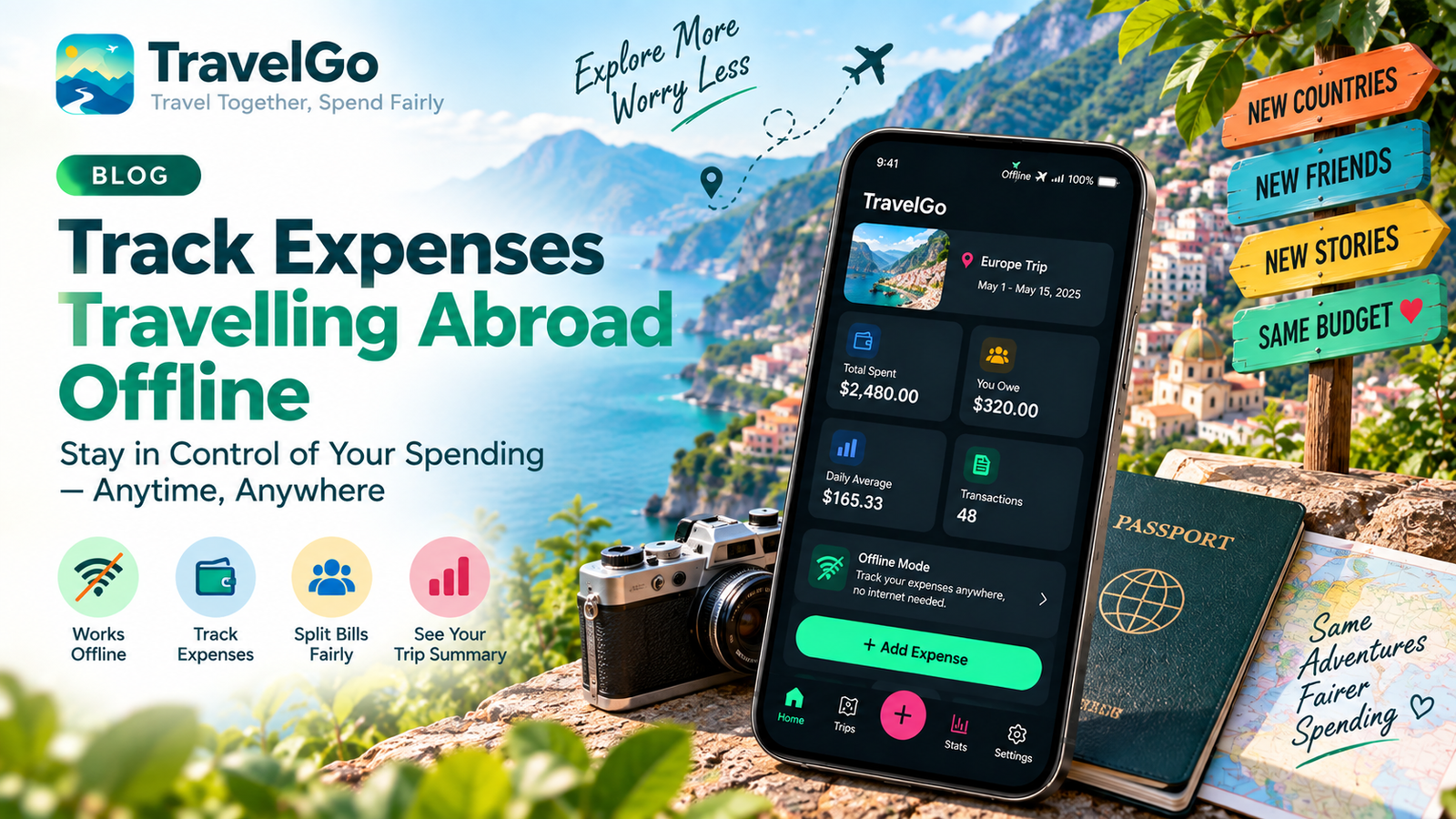
No signal, no problem. Here is how to keep an accurate record of every travel expense abroad, even without internet — and why offline-first matters.
The moment you most need to log an expense — paying a driver in a remote valley, splitting a market lunch, tipping a guide — is often the moment you have no signal. If your tracking app needs the internet to work, those are exactly the costs that slip through. And missed costs are what wreck a budget.
Why offline-first matters more than you think
Roaming is expensive, foreign SIMs take time to sort, and Wi‑Fi is patchy. An app that only works online quietly stops working the instant you cross a border. Offline-first flips that: everything saves instantly on your device, and syncs later when you're back online. You never lose an entry and you never wait for a spinner.
Build a 30-second logging habit
Accuracy comes from immediacy. Adopt one rule: log it before you pocket the change. A fast entry needs only three things — amount, category, and (optionally) a receipt photo. Do that every time and your record is complete without any end-of-day reconstruction.
- Amount and currency — in whatever you actually paid.
- Category — food, transport, stay, so your reports mean something later.
- Receipt — a quick photo saves arguments and expense claims.
Handle foreign currencies without maths
Log in the local currency and let the app convert to your trip currency. If you're hopping between countries, read our guide to managing multiple currencies while travelling.
Travelling with others?
Offline tracking and splitting go hand in hand. Everyone logs what they paid, and you settle up at the end — see how to split travel expenses with friends.
TravelGo is offline-first by design: log expenses with no signal, and they sync automatically when you reconnect. No account needed to start — try it below.
Put this into practice with TravelGo
Track expenses, split bills and settle up with friends — even offline.